Beta

Tasks that run while you sleep

Schedule checks, invoices, price updates and inbox polling. Every run is logged and failures reach your email.

dashboard.hotelier.tools/cron
  • Reservation checksEvery hourDone
  • Invoice at checkoutEvery 15 minutesDone
  • Competitor pricesEvery day at 06:00Done
  • INE monthly reportOn the 1st of every monthDone
Tasks paused: the Little Hotelier password has expired. Update it and they start again.

What it does

  • Beta

    Flexible schedules

    Run now, every few minutes, daily, weekly or monthly.

  • Beta

    Run history

    A readable summary of what every run did.

  • Beta

    Safe pause

    If a password expires, tasks pause so your Little Hotelier account never gets locked.

  • Beta

    One-click setup

    Each feature page creates the task it needs.

Scheduled tasks for Little Hotelier, with a log of every run

Automations are the scheduled tasks behind Hotelier Tools: reservation checks, invoices at checkout, competitor price refreshes, the waitlist check and inbox polling run on their own, on the schedule you choose. Every run is logged, and failures reach your email.

How it works

  1. Each feature creates its own task. You rarely start from a blank schedule. For example:
    • Automated checks: Save and activate task sets the recommended schedule, such as every night at 23:30 for new bookings.
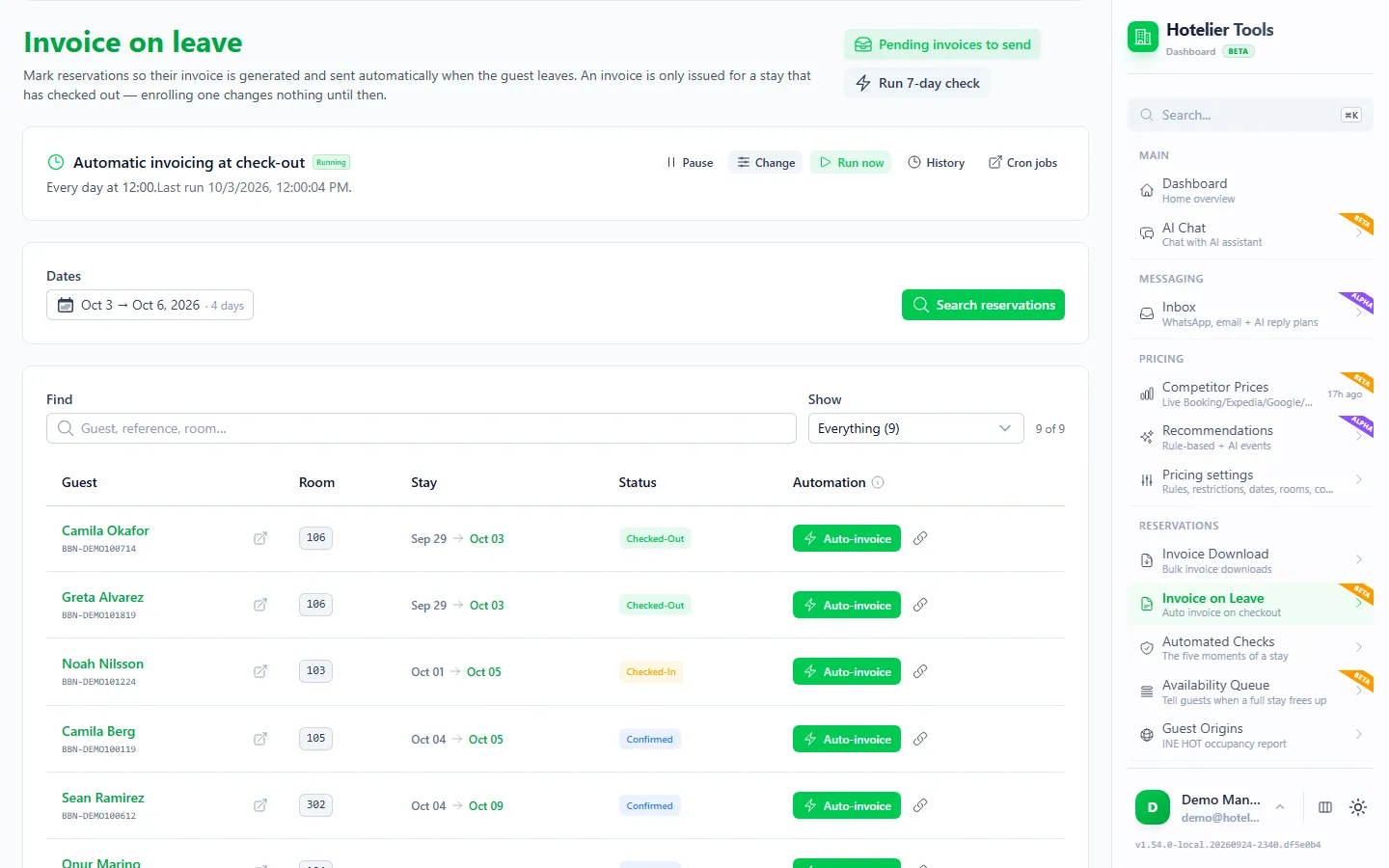
    • Invoice at checkout: Create the daily task (16:00, after check-out).
    • Automatic check-out: Create the daily task (15:05).
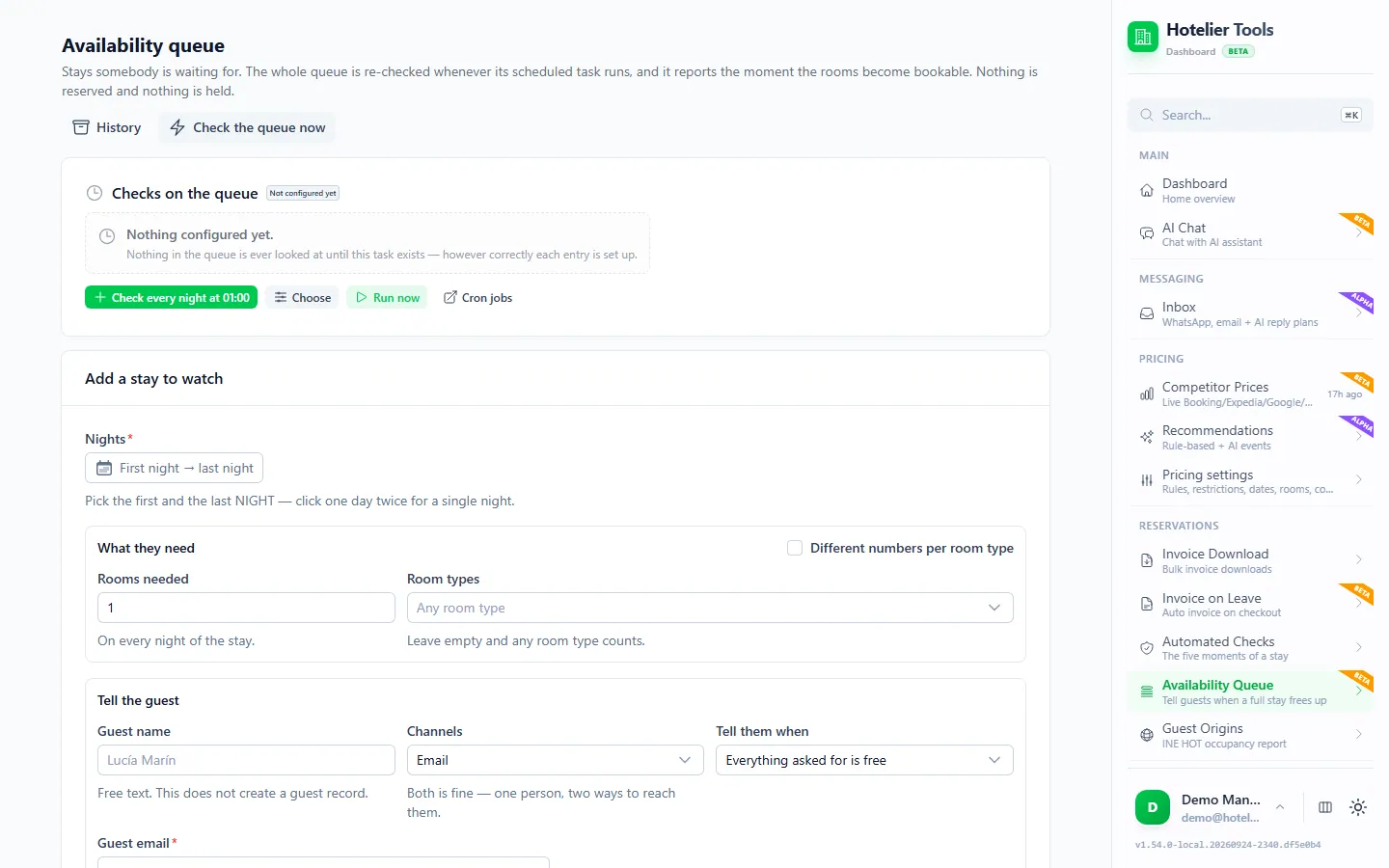
    • Waitlist: Check every night at 01:00.
    • Pricing autopilot: every 3 hours is the suggestion.
    • Guest inbox: your FAQ page can be re-read every hour.
  2. Adjust the schedule. Run a task now, every few minutes, daily, weekly or monthly, within each feature's own limits.
  3. Read what happened. Cron Jobs (/cron) lists every task, and Run History (/cron-logs) gives a readable summary of what each run did.
  4. Get the report. Jobs such as the reservation checks send a report email per run. Shared recipients are set in Settings > Notifications.

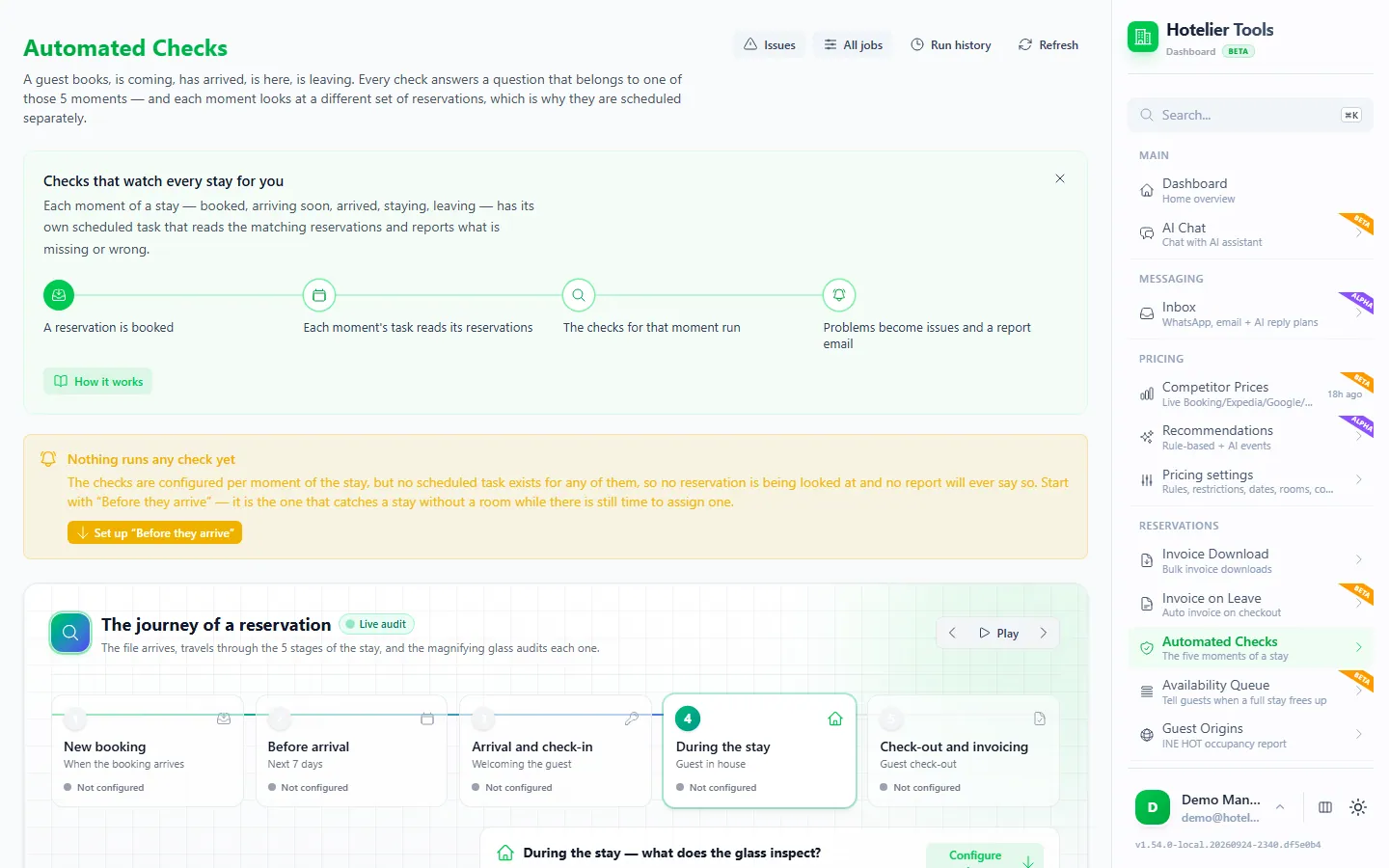
See tasks working in practice in the front desk checklist, sending the invoice at checkout and the waitlist for sold-out dates.

What you need

  • Little Hotelier connected on Credentials. Every run signs in with that login.
  • The feature behind the task set up first, such as the checks you want or the dates you watch.

Limits and good to know

  • Status: beta.
  • Safe pause. If your Little Hotelier password expires, tasks pause instead of retrying, so the account never gets locked. The dashboard shows that automated jobs are paused until you save the new password on Credentials or press Check now & resume.
  • Minimum intervals differ per task. Reservation checks run at most once an hour per job, the waitlist check every 20 minutes at most, and the pricing autopilot no more often than every 3 hours.
  • A task only does what its feature does. Checks only alert. Automatic check-out writes to Little Hotelier, so it stays off until you create it.
  • AI assistants can manage tasks. Through the MCP server, Claude or ChatGPT can read and change scheduled tasks.
  • No outbound webhooks. Your own scripts need their own scheduler, such as a cron job.

Emails you'll receive

Real examples of what lands in your inbox, and what your guests get.

⚠️ The scheduled task "Invoice at checkout" failed

Hotelier ToolsReception

Hotelier Tools

Scheduled task failed

The scheduled task "Invoice at checkout" could not finish (2026-10-12T09:30:00Z), so this check is still pending.

See invoices waiting to be sentSee the error logReview the task
Little Hotelier: the password has expired (401). Automated work is paused until it is updated.

The task will retry on its schedule, and the next successful run will also send the invoices from the last 7 days that were left behind. You only get this alert the first time it fails.

Sent by Hotelier Tools

Example with invented data, based on the emails the dashboard sends.
Guides about Automations

All guides

Free until 10 January 2027

Use every feature, including the ones in beta and alpha, and help us shape what comes next.

  1. From today to 9 January 2027

    0 €

    Free for every hotel.

    • Every feature included
    • No card needed
    • Your feedback shapes the roadmap
  2. 10 January 2027Billing starts
  3. Throughout 2027

    50 €/ month

    For hotels that try Hotelier Tools in 2026.

    • Start using it before 31 December 2026
    • The price stays the same all through 2027
    • Per hotel, per month
Start freeTry the demo

The browser scripts stay free.

More from the dashboard

Missing something your hotel needs?

Tell us what would save you time. We read every request and use them to decide what to build next.