Update Number Adults
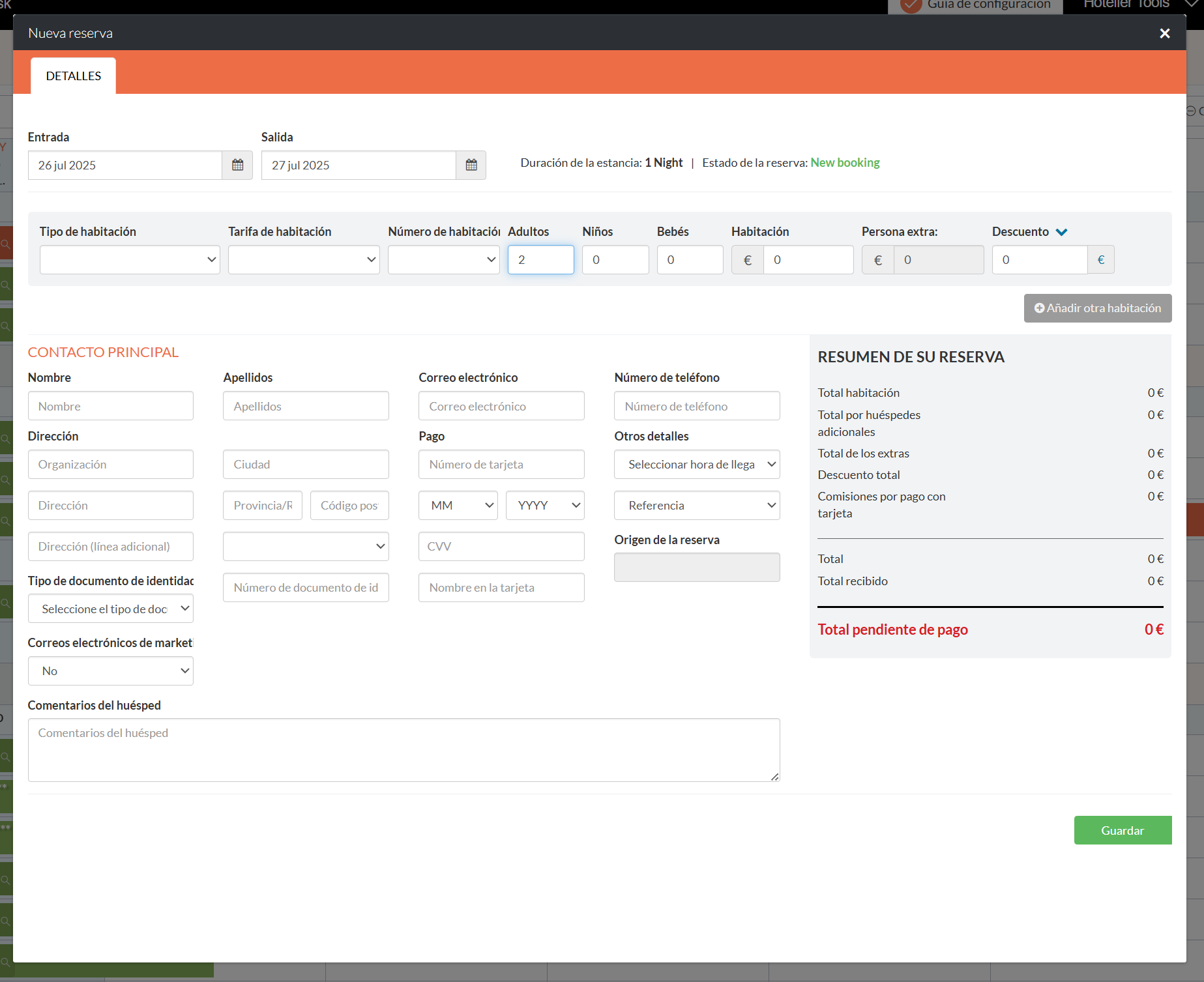
This script changes the default number of adults on a new Little Hotelier reservation from 0 to 2. It is for front desk staff who create walk-in and phone bookings by hand, where most reservations are for two people and a forgotten adults field causes trouble later.
The problem it solves
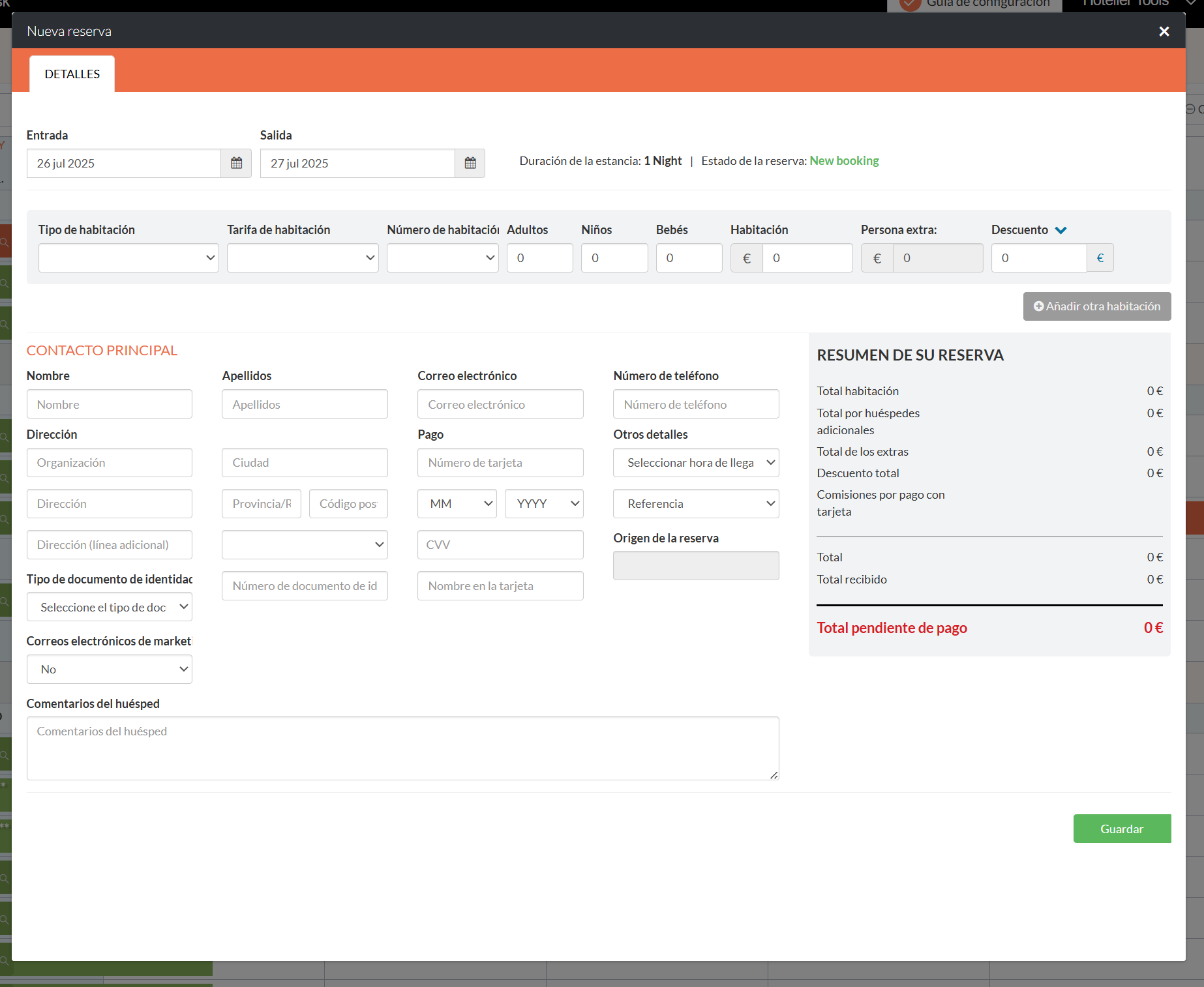
When you create a reservation in Front Desk, the adults field can start at 0. If nobody changes it, the booking is saved with no adults. Zero adults can throw off guest registration, breakfast counts and any tourist tax charged per person, and fixing it afterwards means finding and reopening each reservation.
What changes
- When a reservation page loads, the script looks at the number of adults field.
- If it is 0, the script sets it to 2 and tells Little Hotelier the value changed, as if you had typed it.
- If it holds any other number, it is left alone, so existing reservations are not touched.
- You can still change the value to 1, 3 or any other number before saving.
How to install
Install the free Tampermonkey extension, press Install on Tampermonkey on this page, confirm, and reload Little Hotelier. The installation guide shows each step. The script runs on Front Desk pages at app.littlehotelier.com and only acts when the adults field is on the page. It is free and open source: read the code on GitHub.
Good to know
- The value 2 is fixed in the code. If your property mostly sells single rooms or beds, edit the number in the Tampermonkey editor.
- The check runs once, half a second after the page loads. If a reservation form opens later without a page reload, the field is not changed.
- It only changes the field in the form. Nothing is saved until you press Save.
- The number of children is not changed.
- It works the same on desktop and touch screens. It stores nothing and sends nothing anywhere.