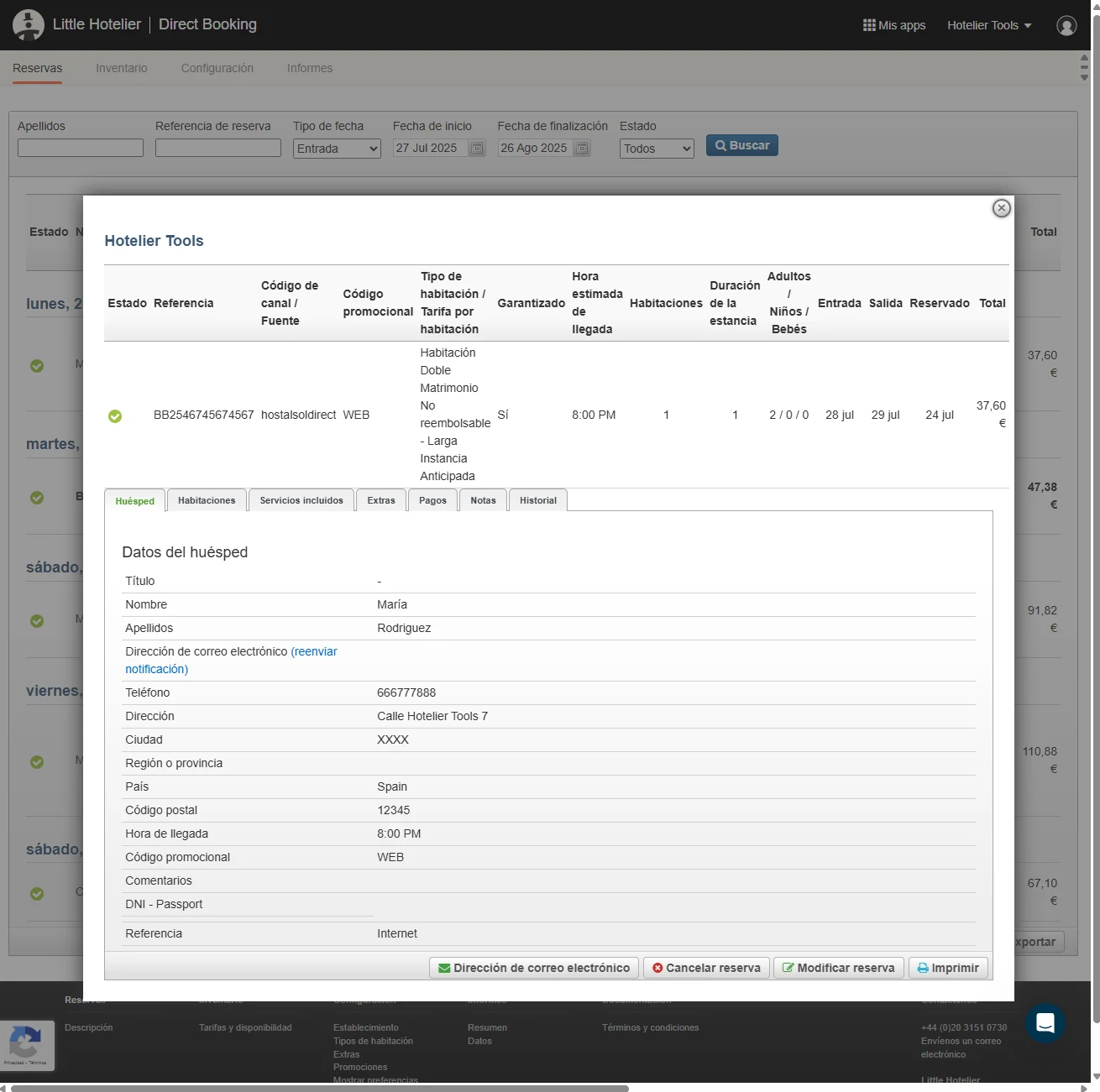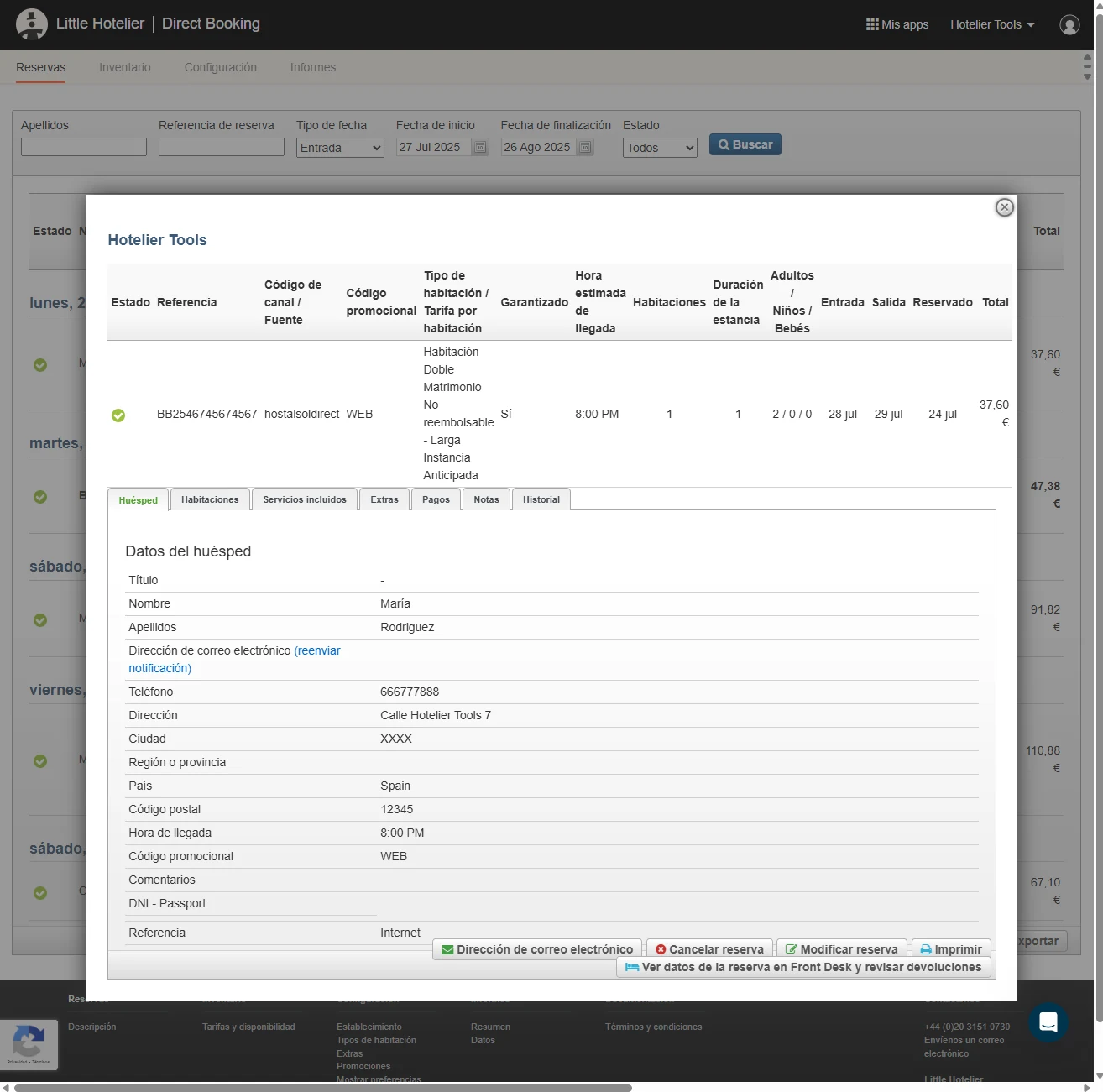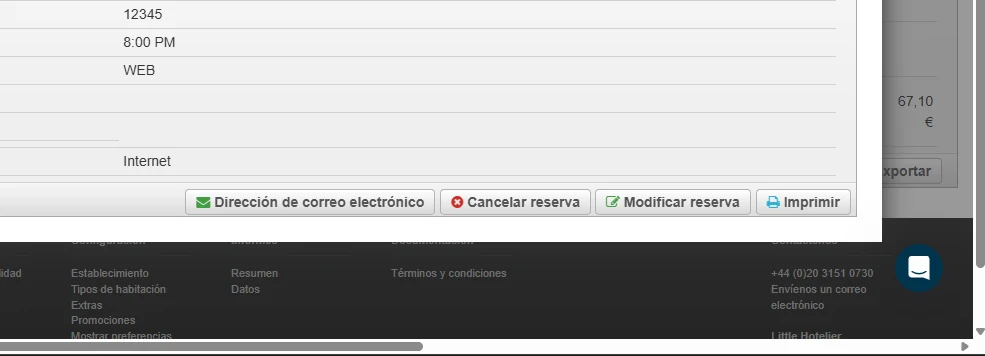
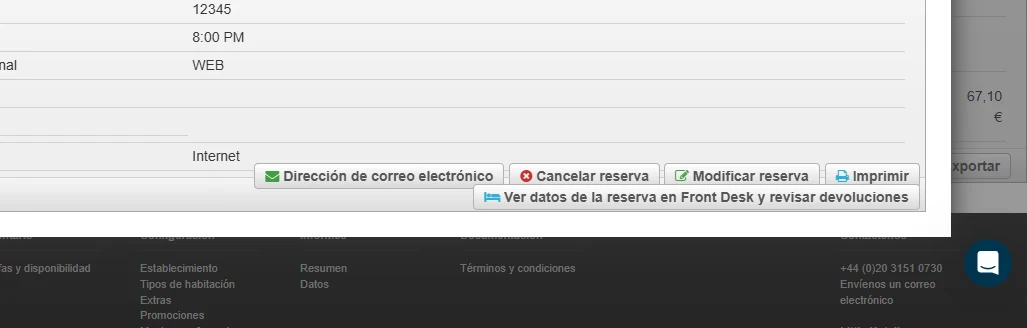
Add Button Check on Front Desk from Direct Booking
This script adds a button to each reservation in Little Hotelier's Direct Booking extranet that opens the same booking in Front Desk, in a new tab. It is for front desk staff and owners who handle direct bookings and need to check the full reservation or review a refund without searching for it by hand.
The problem it solves
Direct Booking (the booking engine back office at app.thebookingbutton.com) and Front Desk are separate screens. When a guest who booked on your website calls about a change or a refund, you find the booking in Direct Booking, but the room, payments and guest details live in Front Desk. Without the script, you copy the reference, switch to Front Desk and search by hand.
What changes
- On the Guest tab of a Direct Booking reservation, a new button appears in the actions list: "View reservation data in Front Desk and check refunds" (or its Spanish version).
- The button opens the Front Desk Reservations list in a new tab, already filtered by the reservation's booking reference.
- The search covers check-in dates from two months ago to one year ahead, so recent and upcoming stays are found.
- The script reads your property ID from the Front Desk link on the page, so the search opens on your own property.
- It checks the page every two seconds. When you move to another reservation, the button is updated to point at the new booking reference.
How to install
You need the free Tampermonkey extension. Press Install on Tampermonkey on this page, confirm, and reload Direct Booking. The installation guide shows every step. The script runs only on Direct Booking reservation pages (app.thebookingbutton.com/extranet/properties/.../reservations). It is free and open source: you can read the code on GitHub.
Good to know
- The script does not check whether you are signed in to Front Desk. If you are not, sign in and press the button a second time.
- Reservations with a check-in date more than two months in the past, or more than a year ahead, fall outside the search range and won't appear in the results.
- If the Front Desk link is missing from the page, the script falls back to a fixed property ID written in the code, and the search will not open on your property. Edit that value in the script if this happens.
- The button text exists in English and Spanish only.
- It stores nothing and sends nothing outside Little Hotelier.
Related
- Tables Full Width for wider tables in Direct Booking
- Little Hotelier Chrome extensions: free userscripts